Running Tests By Tag
Tags let you group related tests and act on them together. You can apply your own tags to tests, filter the test list by tag, and run every test that carries a tag. Tags are a flexible way to organize your tests, for example, by feature area, priority, or labels such as "smoke" or "regression".
This organization matters as your test suite grows. Tags let you target the right set of tests for a run without listing each test by hand.
Tagging a Test
You can add one or more tests to the test by doing the following:
Log in to BearQ.
Click Tests.
Select any of the tests where you want to add the tag.
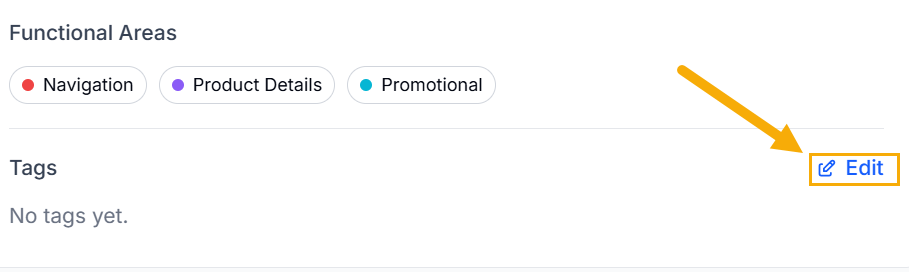
In the test details, click Edit under Tags.
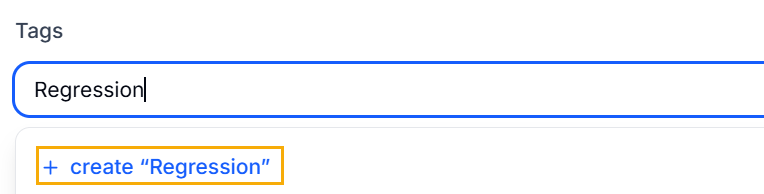
Add the tag you want. Click the plus sign.
Click Done.
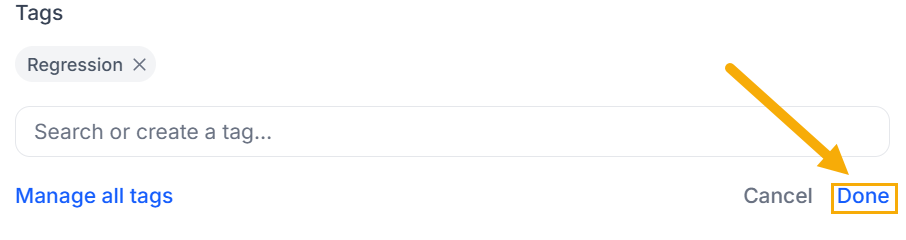
Result: The tag is now added to the test.
Filter Tests by Tag
To learn about filtering tests by tag, read Filtering Tests.
Running Tests by Tag
To run a test by tag, do the following:
Log in to BearQ.
Click Tests.
Click Run Tests under Quick Actions.
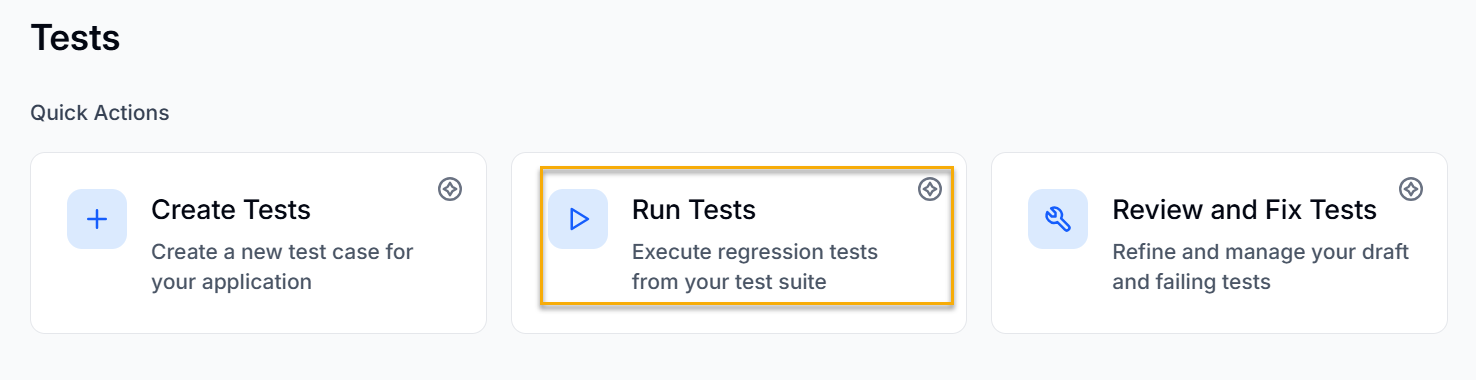
Click Run tests by tag.
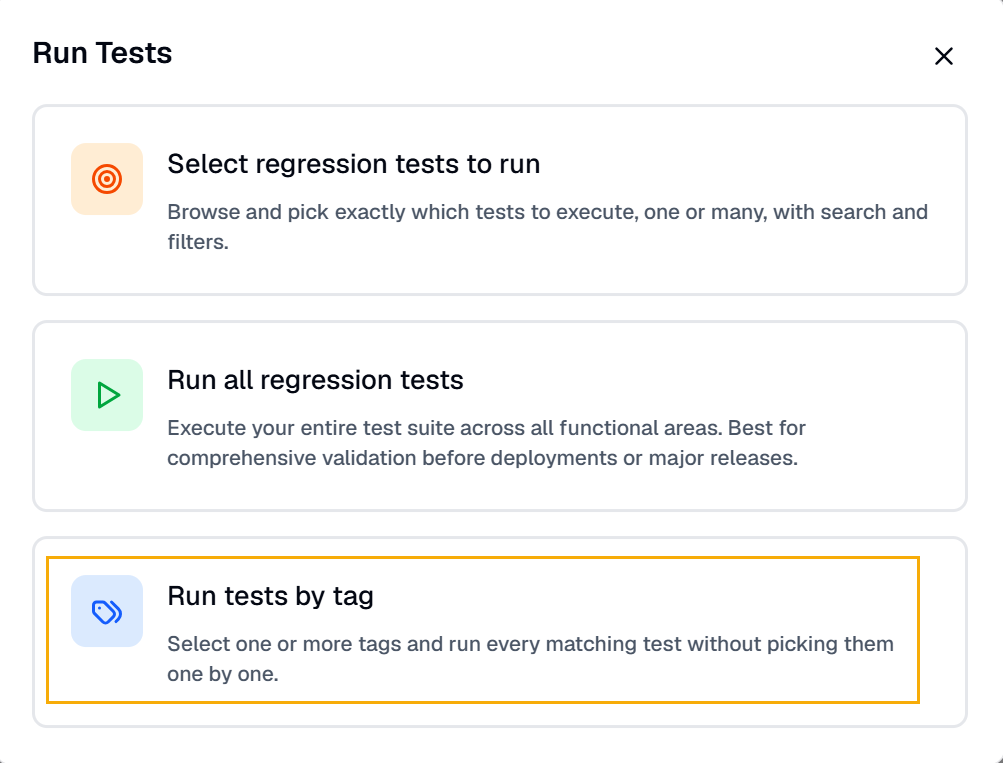
Select the tags you want to run. A list will appear, showing all tests associated with each tag.
Click Run Tests.
Result: The test will be executed.