API Tests and Viewing API Tests
BearQ authors one API test per endpoint. The goal of each test is to provide coverage for that endpoint, including the happy path, response code validation, and error behavior. An example API test for a single endpoint might include the following steps:
Authorize access to the API.
Send a valid request to the endpoint and verify that the response code is correct.
Send a request without an auth header and verify that the response status code is 401.
Send a request with missing required fields and verify that the response returns a 404.
BearQ creates API tests automatically as part of the Expand Test Coverage task. API tests appear in the test list alongside UI tests and run as part of your configured regression schedule.
Viewing API Tests
To view an API test, do the following:
Log in to BearQ.
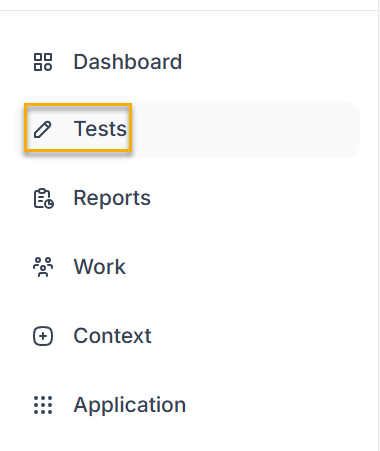
Select Tests.
In the list, locate the API test you want to review. API tests display an API test icon
 next to the test name.
Review the test steps and the script backing each step.
You can edit the test also by clicking Edit Test.