Managing Team
You can manage team members in your workspace by adding, removing, or changing their permissions. This allows you to control the permissions of the members added to your team.
To manage teams, do the following:
Log in to BearQ.
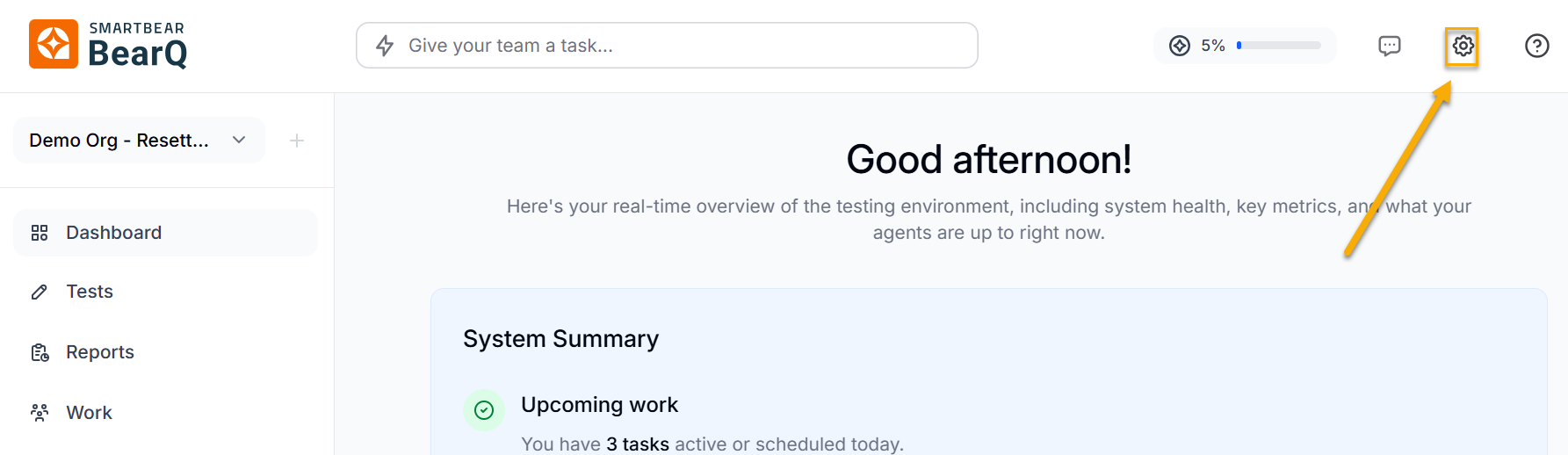
Click Settings.
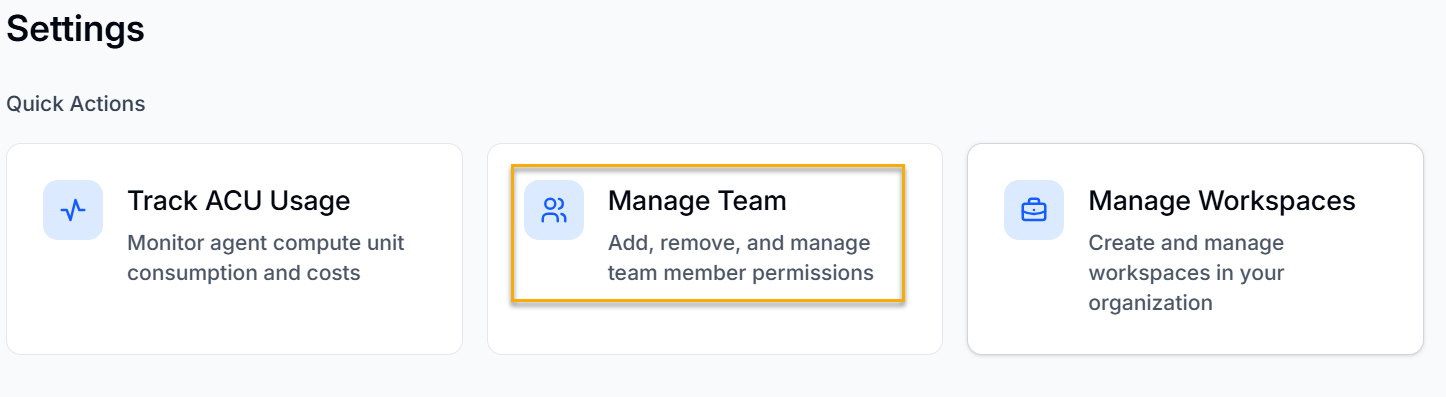
Click Manage Team.
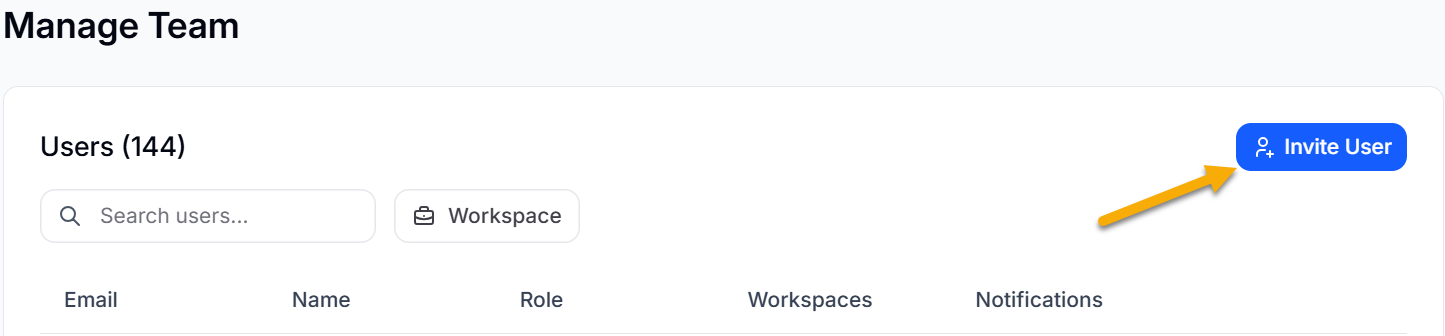
Click Invite User to invite a particular user to your workspace.
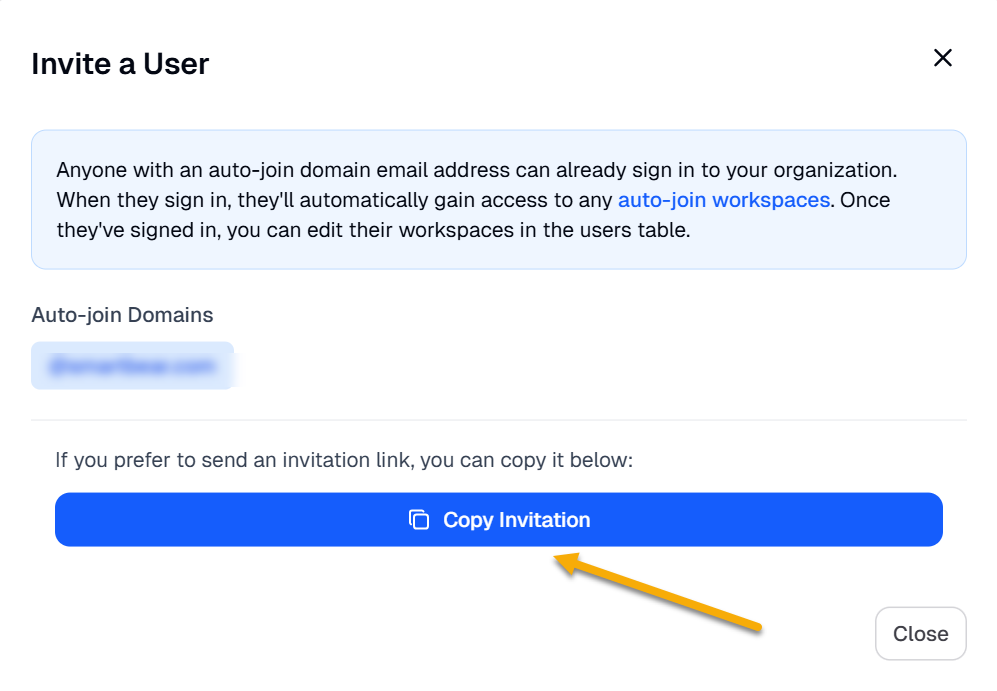
Click Copy invitation if you want to send the invite link directly to the user.
Editing User Permission
To edit the user permission, do the following:
Log in to BearQ.
Click Settings.
Click Manage Team.
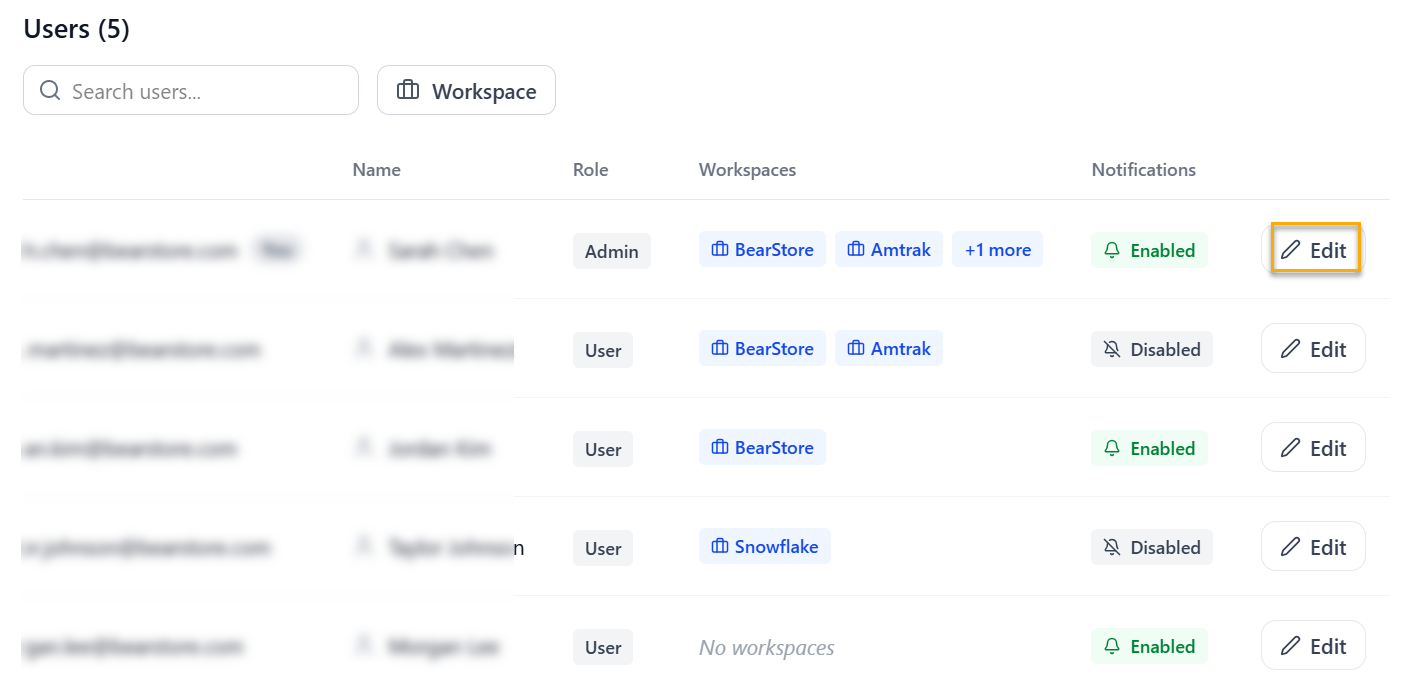
Move to Users, and click Edit.
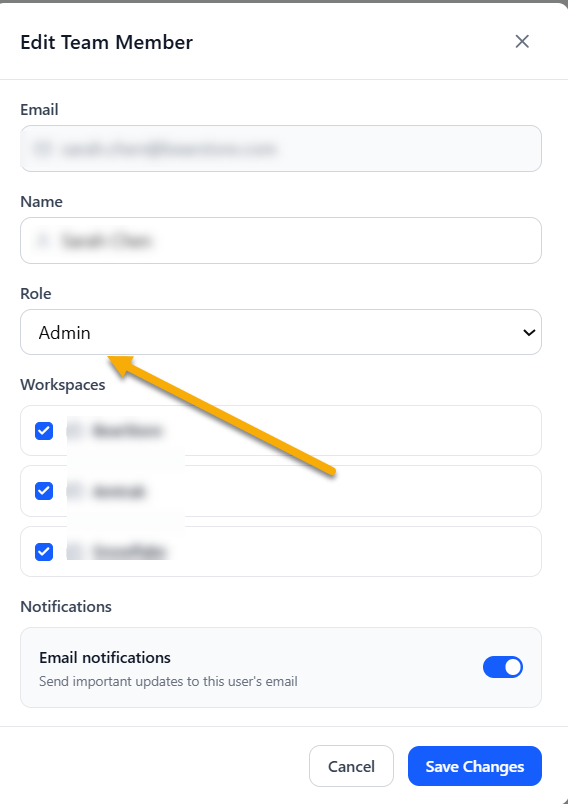
Select the Role you want to give to the user. You can either select Basic or Admin.
Note
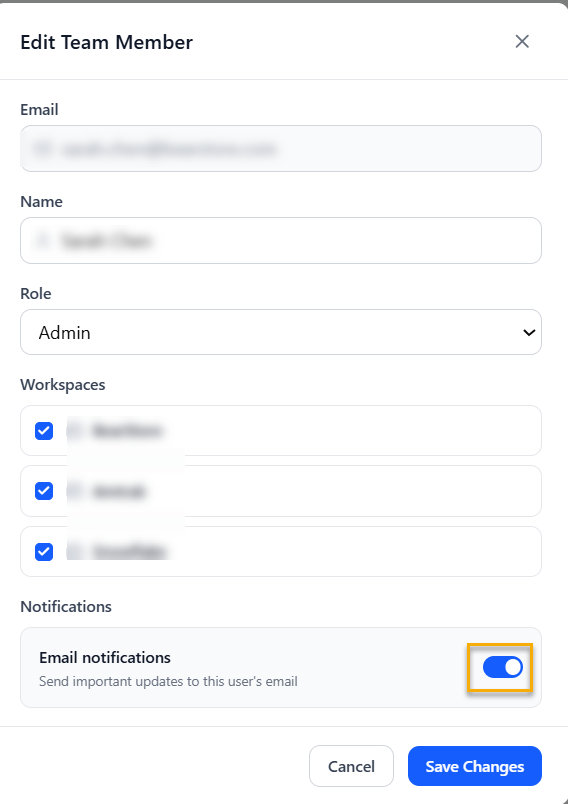
Enable Email notifications to get important updates about the test in your email.
Click Save Changes.
The permission for the user will be changed.