Managing Settings
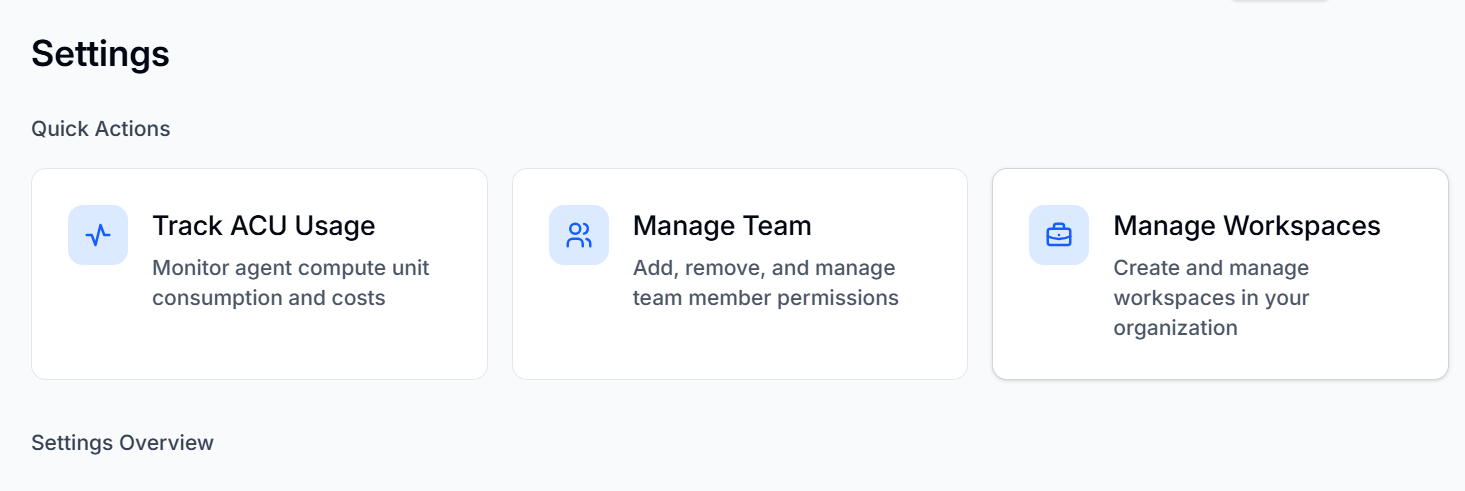
The Settings window allows you to Track ACU usage, Manage Team, and Manage Workspaces. The page also displays User settings and Organization settings, which can be changed.
You can manage the settings of the BearQ application by doing the following:
Log in to BearQ.
Click Settings.
Click Track ACU Usage to view ACU usage. To learn more about ACU usage, read ACU.
Click Manage Team to add, remove, and manage team members. To learn more about managing team members, read Managing Team Members.
Click Manage Workspaces to create a new workspace or manage the existing ones. To learn more about managing workspaces, read Managing Workspaces.
Settings Overview
User Settings
You can change the User Settings. To learn more, see Managing Team Members.
Workspace Settings
You can change the Workspace settings. To learn more, see Managing Workspaces .
Organization Settings
You can change the organization name in the organization settings.