Generating a Report for a Specified Time
To generate a report for a specified time, do the following:
Log in to the BearQ application.
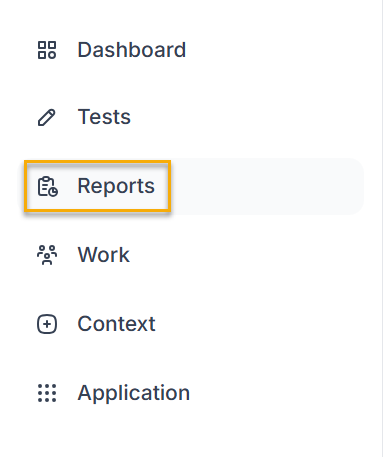
Click Reports.
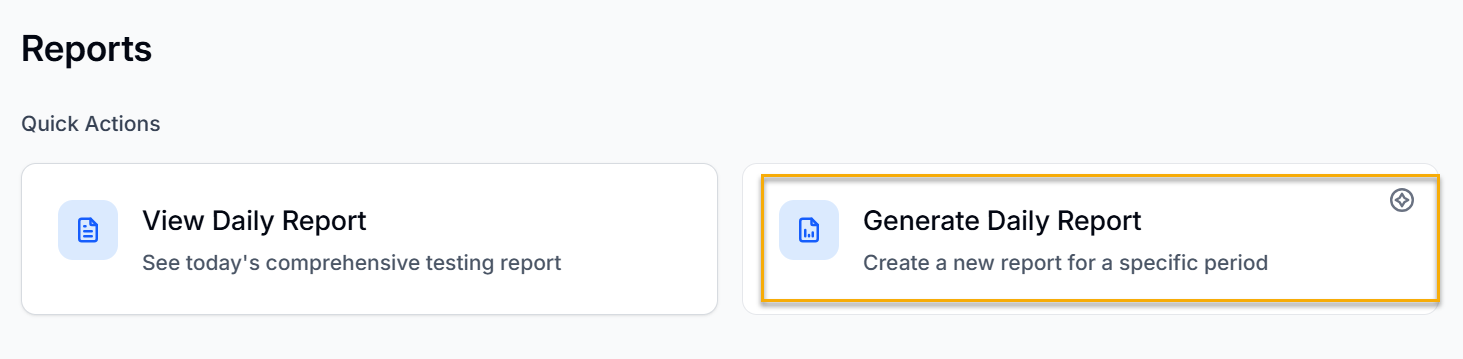
Click Generate Daily Report.
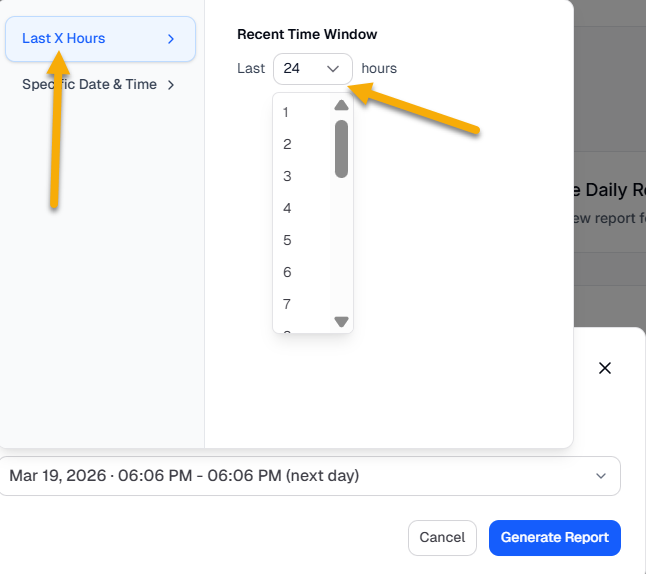
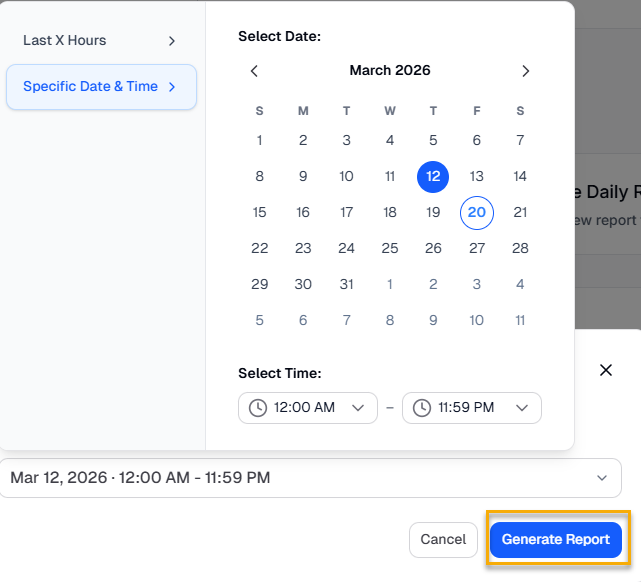
Select the time range for the report.
You can either select the time range in the recent time window. Click Last X Hours and choose the time from 1 to 24 hours.
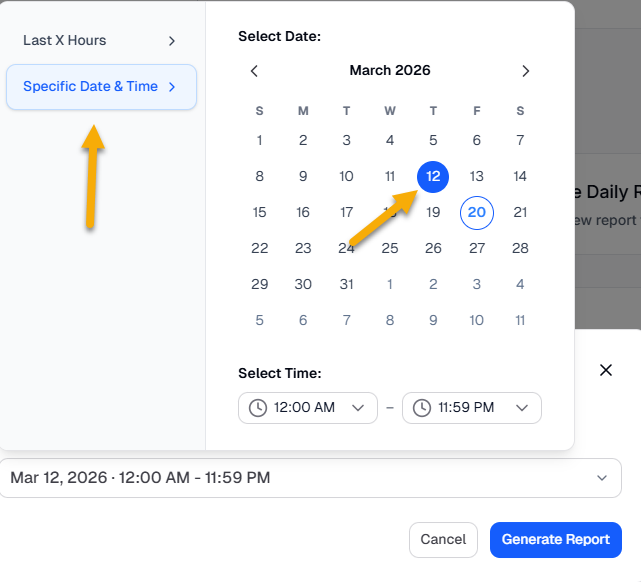
Click Specific Date & Time and choose the specific date and time for which you want to generate your report.
Click Generate Report.
Your report will be generated.