Using the Explorer Agent
To use the Explorer agent to create an Application Model, do the following:
Log in to BearQ.
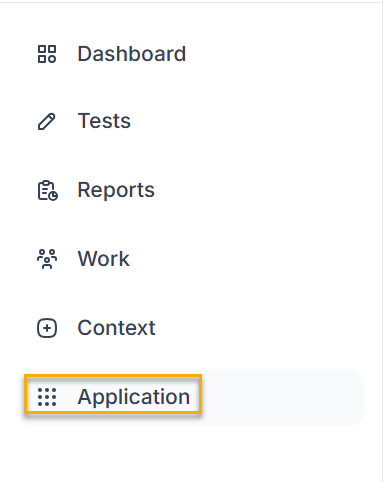
Click Application. You will be navigated to the Application window.
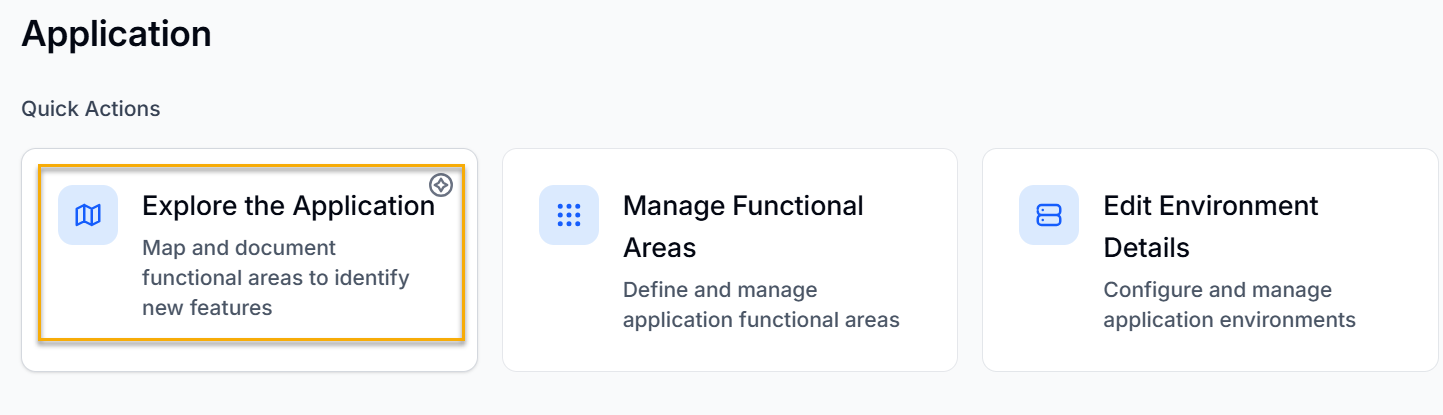
Click Manage Functional Areas, under Quick Actions.
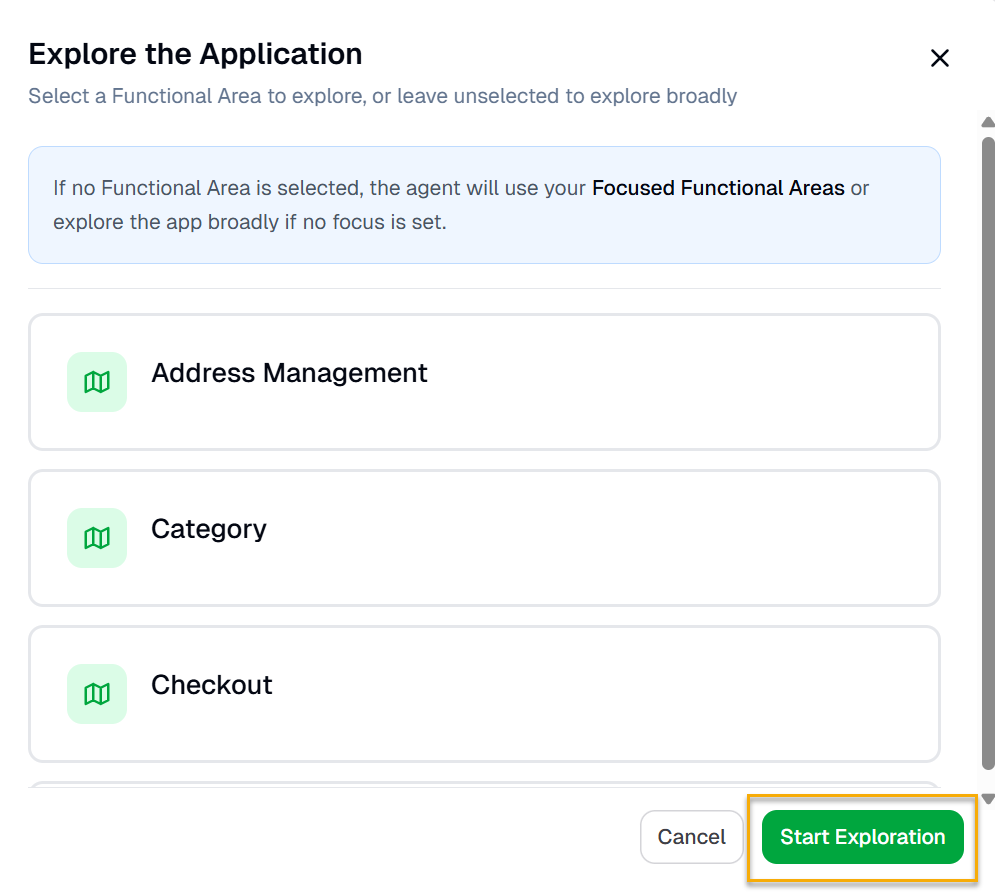
Select any Functional Area if you want to explore a particular functional area. If you want to explore the application broadly, do not select any functional area. Click Start Exploration.
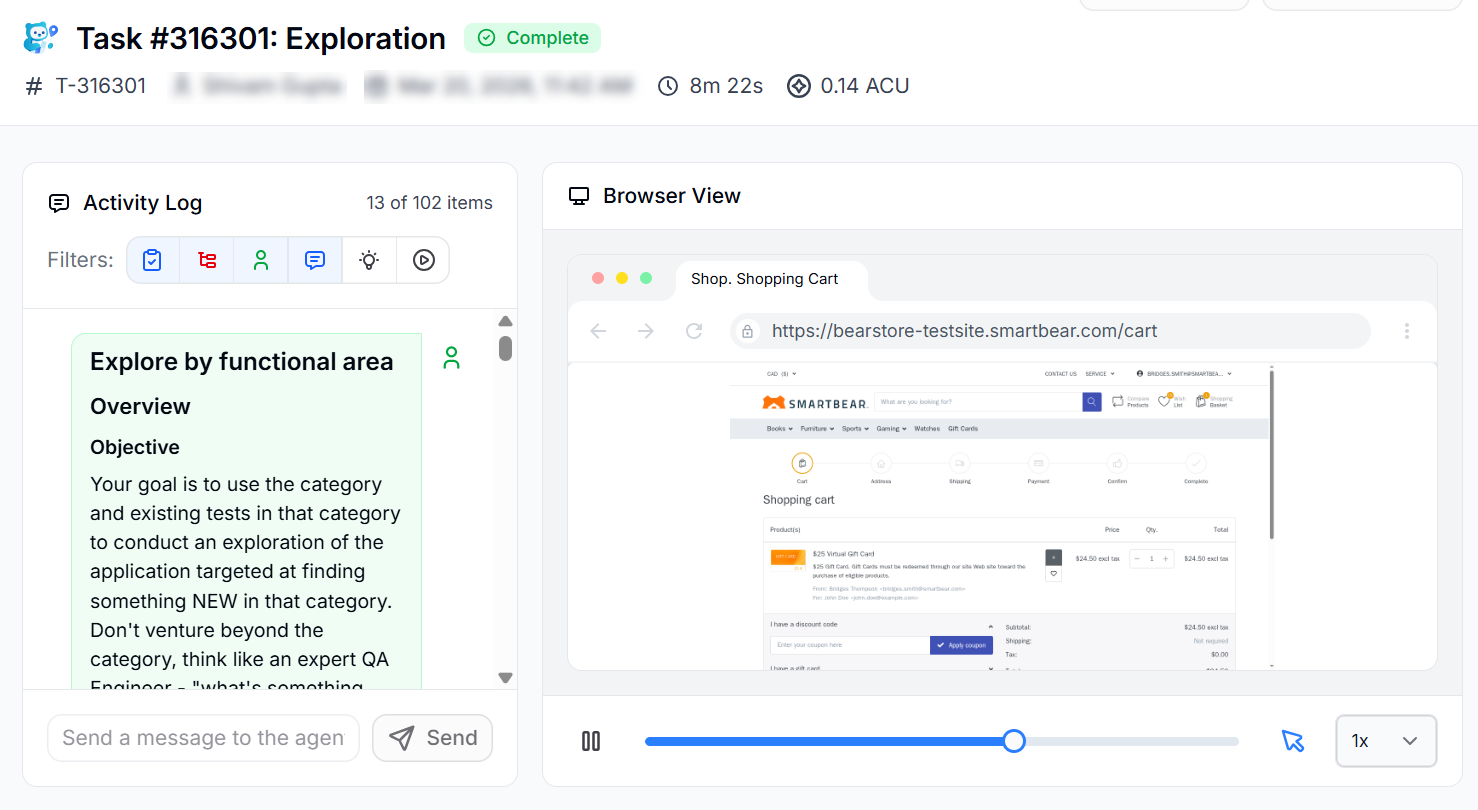
The explorer agent will start exploring the application, discovering new workflows and pages.